We build Next.js, Shopify, Laravel, Flutter, in Noida, India. Free 1-page audit, no obligation.
Get a free quote- Website Development Cost in India in 2026 | Complete Pricing GuideAugust 4, 2026
- OCPP and UPI: How EV Chargers in India Can Take Payments Without an AppJuly 27, 2026
- How to Take Orders on WhatsApp for Your Small Business in India (2026)July 24, 2026
- The website that kept Meera's oven warmJuly 21, 2026
- Why manual deploys hurt you
- Docker: ship the environment, not just the code
- CI/CD: deploys become a git push
- Zero-downtime deploys
- A simple, solid pipeline (what we actually use)
- Do you even need Docker and Kubernetes?
- The India angle
- Common deployment mistakes
- How we set it up
- Common questions about deployment
- Honest summary
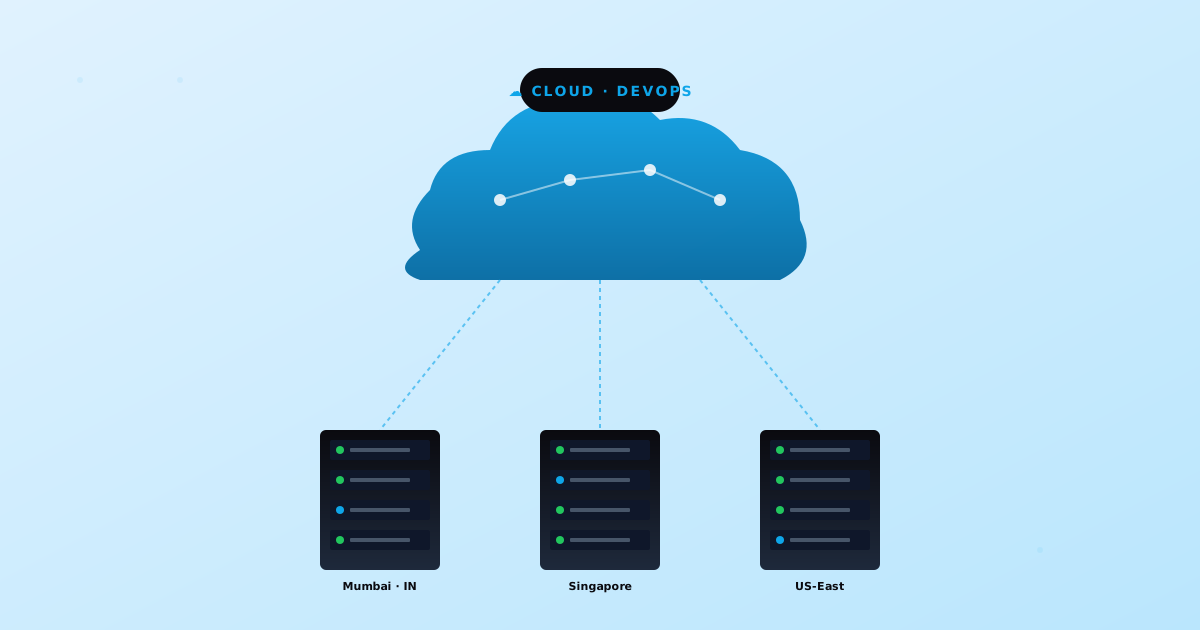 Cloud
CloudDeploying a Web App to Production in 2026: Docker, CI/CD, and Zero-Downtime (Without the Overkill)
There is a moment every growing app hits: the deploy that goes wrong. Someone SSHes into the server, runs git pull, restarts the process, and the site is down for two minutes, or worse, half-broken because a dependency changed or a migration did not run. It works until the evening it does not, usually right before something important.
Deployment is the unglamorous engineering that decides whether shipping is calm or terrifying. Done well, releasing a change is a non-event: push code, it goes live, nobody notices any downtime. This is the practical guide to getting there in 2026: what Docker and CI/CD actually buy you, how zero-downtime deploys work, the simple pipeline we use, and the honest question of whether you need heavy infrastructure at all (most teams do not).
Why manual deploys hurt you
The SSH-and-git-pull approach feels fine at first, then quietly becomes a liability:
- Downtime. Restarting the app to deploy means a window where the site is unavailable, however short.
- 'Works on my machine'. The server's runtime, library versions, and environment drift from your laptop, so things that worked locally break in production.
- No clean rollback. When a deploy breaks something, getting back to the last good state is a scramble, not a button.
- Human error. Manual steps get skipped: a migration forgotten, an env var missed, the wrong branch pulled.
- It does not scale to a team. When more than one person deploys, undocumented manual steps cause chaos.
Docker: ship the environment, not just the code
Docker packages your app together with everything it needs to run (the runtime, the libraries, the system dependencies) into a container image. That image runs identically on your laptop, in CI, and in production, which kills the 'works on my machine' problem at the root. You build the image once, and that exact image is what runs everywhere.
For most web apps that means a small Dockerfile describing how to build and run the app, and that is the unit you deploy: not loose files on a server, but a versioned image you can run, roll back to, or scale by starting more copies.
CI/CD: deploys become a git push
CI/CD is the pipeline that runs automatically when you push code. CI (continuous integration) checks every change: install, lint, run tests, build the image. CD (continuous delivery or deployment) takes a passing build and ships it. The practical effect is that releasing becomes git push to main, and a tested, consistent build goes live without anyone touching a server.
In India, the common setup is GitHub Actions or GitLab CI (both have generous free tiers) running the pipeline, pushing the Docker image to a registry, and deploying it. The win is consistency and speed: the same steps run every time, tests catch problems before they reach users, and a deploy takes minutes with no manual checklist.
Zero-downtime deploys
The trick to deploying without users noticing is to never turn the old version off before the new one is ready. A rolling deploy starts the new version alongside the old, waits for a health check to confirm it is actually serving traffic, then shifts traffic over and retires the old one. Blue-green does the same with two full environments and a switch. Either way, there is no window where the site is down, and if the new version fails its health check, traffic never moves to it, so a bad deploy does not take you offline.
A simple, solid pipeline (what we actually use)
You do not need anything exotic. A reliable pipeline for most apps looks like this:
- Push to main (or merge a pull request).
- CI runs: install dependencies, lint, run the test suite, build the Docker image.
- Push the image to a container registry, tagged with the commit.
- Run database migrations as a controlled step, not by hand.
- Deploy with a rolling update behind a health check, so traffic only shifts once the new version is healthy.
- Keep the previous image so rollback is one command if something slips through.
Secrets and environment variables live in the CI/CD platform or a secrets manager, never in the code. That single pipeline turns deployment from a nervous manual ritual into something you trust enough to do several times a day.
Do you even need Docker and Kubernetes?
Honest answer: you need reliable deploys, you do not necessarily need to run the infrastructure yourself. Kubernetes is powerful and almost always overkill for a single app or an early-stage product, it adds real operational overhead that a small team will feel. For a lot of businesses the smartest move is a managed platform (Vercel for Next.js, Render, Railway, or a managed cloud service) that gives you CI/CD, zero-downtime deploys, and rollbacks out of the box, with no servers to babysit.
Reach for your own Docker-plus-orchestration setup when you genuinely need it: complex multi-service systems, specific compliance or data-residency needs, or scale where the managed-platform bill stops making sense. Until then, the simplest thing that gives you safe deploys is the right thing. We will tell you honestly which side of that line you are on.
The India angle
Two practical notes for Indian teams. First, keep infrastructure in or near India (an India cloud region, or a host with India presence) so your users get low latency, the same point we make in the web hosting guide. Second, resist over-engineering: a founder with one app and a small team does not need a Kubernetes cluster, they need a clean CI/CD pipeline and a managed host. Spend the saved time and money on the product, not on ops you do not need yet.
Common deployment mistakes
- No rollback plan. If your only way back is to fix forward under pressure, you do not have a deploy process, you have a gamble.
- Secrets in the code or repo. Keys and passwords belong in environment variables or a secrets manager, never committed.
- No health checks. Without them a deploy can shift traffic to a broken version. The health check is what makes zero-downtime real.
- Migrations run by hand. Make schema changes a controlled, automated step, or they get forgotten and break production.
- No staging environment. Test the deploy somewhere safe before it hits real users.
- Friday-evening deploys. Ship when someone is around to watch, not right before the weekend.
How we set it up
When we build or take over an app, calm deploys are part of the work, not an afterthought. We containerise with Docker where it helps, wire up CI/CD on GitHub Actions (tests and build on every push), deploy with health checks so releases are zero-downtime, automate migrations, keep secrets out of the code, and keep a one-command rollback. We do this on Node.js and Laravel apps as part of our cloud and DevOps work, and for many clients it runs on CloudNX or a managed platform rather than a self-run cluster, because simpler is more reliable.
Common questions about deployment
Do I need Docker for a small web app?
Not always. Docker shines when you want identical environments and easy rollbacks, and it is the standard for self-hosted apps. But if you deploy to a managed platform like Vercel, Render, or Railway, much of that is handled for you and you may not write a Dockerfile at all. Use Docker when you are managing your own servers or running multiple services; skip it when a managed platform already gives you reliable deploys.
What is the difference between CI and CD?
CI (continuous integration) is the automatic checking of every code change: install, lint, test, build. CD (continuous delivery or deployment) takes a passing build and ships it, either automatically or with a one-click approval. Together they turn a push into a tested, consistent release with no manual server steps.
How do zero-downtime deploys actually work?
The new version starts up alongside the old one. A health check confirms the new version is genuinely serving requests. Only then does traffic shift over, and the old version is retired. Because the old version keeps serving until the new one is ready, users never hit a down site, and a new version that fails its health check simply never receives traffic.
Do I need Kubernetes?
Almost certainly not at first. Kubernetes is built for complex, multi-service systems at scale and carries real operational overhead. A single app or an early product is better served by a managed platform or a simple container deploy. Adopt Kubernetes only when your scale and complexity genuinely demand it, and you have the team to run it.
How often should we deploy?
As often as you safely can. The point of a good pipeline is that small, frequent deploys are low-risk, because each change is tiny and easy to roll back. Teams with solid CI/CD deploy several times a day without drama. Batching a month of changes into one big scary release is the riskier path.
Honest summary
Reliable deployment is mostly about removing humans from the risky parts. Docker makes the environment identical everywhere, CI/CD turns a push into a tested release, and health-checked rolling deploys mean users never see downtime. You do not need Kubernetes to get this, a clean pipeline plus a managed host gets most businesses there with far less overhead. Add a rollback, keep secrets out of the code, automate migrations, and deploys stop being scary.
If your deploys are manual and nerve-wracking, or you are setting up a new app and want it done right, the cost calculator gives a rough estimate, or send us a WhatsApp message with your stack and we will suggest the simplest reliable setup.
Deploying by hand and holding your breath? We set up calm, zero-downtime deploys in Noida and Gurgaon: Docker where it helps, CI/CD on GitHub Actions, health-checked rolling releases, automated migrations, and one-command rollback, on Node.js and Laravel, without the Kubernetes overkill.
Set up reliable deploysFounder of buildbyravirai, a web development agency based in Noida, India. 5+ years shipping Next.js, WordPress, Shopify, and Laravel projects for clients in India, USA, Canada, and the UK.
Working with us in your city
Keep Reading
CloudCloudNX: Free 3-Month Cloud Hosting for India
CloudNX is offering free cloud hosting for the first 3 months. No credit card tricks, no throttled free tier, full access for Indian developers and agencies.
 Mobility
OCPP and UPI: How EV Chargers in India Can Take Payments Without an App
The Open Charge Alliance's two models for UPI payments at EV chargers, how they map onto OCPP under the hood, and what you can actually ship on OCPP 1.6-J today.
BackendDLT-Compliant Notification Service Architecture in India (2026): SMS, WhatsApp, and Email Without Silent OTP Failures
A DLT-compliant notification service architecture that stops silent OTP failures: template registry in CI, idempotent queues, SMS fallback, DLR audits.
 Guides
From Excel to a CRM in 2026: When to Switch, and How to Move Without the Chaos
The honest guide to moving from Excel to a CRM: the signs you have outgrown the sheet, what a migration actually involves, and how to bring your data over cleanly.
TechnologyWhy Claude Is the LLM We Default to for Production Code in 2026 (Honest Comparison vs GPT-5 and Gemini)
We use Claude, GPT-5, and Gemini in production every week. After 40+ client projects, Claude wins most developer work, but not all. Here's where each is better.