We build Next.js, Shopify, Laravel, Flutter, in Noida, India. Free 1-page audit, no obligation.
Get a free quote- Website Development Cost in India in 2026 | Complete Pricing GuideAugust 4, 2026
- OCPP and UPI: How EV Chargers in India Can Take Payments Without an AppJuly 27, 2026
- How to Take Orders on WhatsApp for Your Small Business in India (2026)July 24, 2026
- The website that kept Meera's oven warmJuly 21, 2026
 Guides
Website Security for Indian Businesses 2026: The Basics That Actually Stop Most Attacks
Security feels abstract right up until the morning your website shows a pharmacy ad you did not put there, or Google flags it as deceptive, or it simply will not load. Then it is very concrete, and usually expensive, and almost always avoidable. The reassuring truth is that most websites are not hacked by a clever person who singled you out. They are hacked by automated bots that crawl millions of sites looking for the same small set of weaknesses, and you got caught because one of those weaknesses was open.
That is good news, because it means the defence is mostly about closing the common holes, not about hiring a security team. This is the plain-language guide for Indian business owners in 2026: what actually attacks your site, the handful of things that genuinely protect it, and the calm steps to take if you do get hacked.
What actually attacks your website
Forget the movie image of a hacker targeting your business. The reality is bots: programs that scan the entire internet, around the clock, probing every site they find for known weaknesses. They are looking for an outdated plugin with a public exploit, a login page with a weak password they can guess, an admin area left exposed, or a known hole in old software. When they find one, they get in automatically and use your site to send spam, host scam pages, mine crypto, or steal data. It is nothing personal, which is exactly why the fix is the same boring basics for everyone.
The basics that stop almost everything
- HTTPS everywhere. A valid SSL certificate (free with most hosts and Cloudflare) encrypts traffic and is table stakes. A site on plain HTTP is flagged as 'not secure' and is an easy target.
- Keep everything updated. The single biggest cause of hacked sites is outdated software: old plugins, themes, and CMS versions with known holes. Update promptly, and turn on auto-updates where you safely can.
- Strong, unique passwords plus 2FA. Most break-ins are just guessed or reused passwords. Use a password manager, a unique strong password per account, and two-factor authentication on every admin login.
- Least-privilege access. Give each person the lowest access they need, remove accounts when people leave, and do not share one admin login.
- Remove what you do not use. Every unused plugin, theme, or old install is an unlocked door. Delete them, do not just deactivate them.
- A firewall in front (WAF). Cloudflare or a web application firewall blocks the bad bots and common attacks before they ever reach your site, and the free tier covers most small businesses.
- Backups. Covered below, because it is the one that saves you when everything else fails.
WordPress: the biggest target
If your site runs on WordPress, this section is for you, because WordPress powers a huge share of the web and is therefore the most attacked platform by far. The vast majority of WordPress hacks trace back to one thing: outdated plugins. Keep the core, themes, and plugins updated, use as few plugins as you can, only install ones that are actively maintained, hide or protect the login page, and put a security plugin or Cloudflare in front. WordPress is perfectly safe when it is maintained, and a sitting duck when it is not. If you would rather not babysit it, a WordPress maintenance plan or a move to a lower-maintenance stack solves it.
Backups: your real safety net
Everything above reduces the chance of being hacked. Backups decide whether a hack is a two-hour scare or a two-week disaster. You want automated backups taken regularly, stored somewhere separate from the site itself (not just on the same server), kept for several versions back, and, crucially, tested. A backup you have never restored is a guess, not a safety net. With a good recent backup, recovering from almost any attack is a restore and a patch. Without one, you may be rebuilding from nothing.
If you collect customer data, you have duties too
Security is not only about your site staying up, it is about protecting the personal information people give you. Under India's Digital Personal Data Protection Act, 2023, if you collect names, emails, phone numbers, or payment details, you are expected to keep them reasonably secure and to handle a breach responsibly. Practically: collect only what you need, secure it, have a privacy policy that is honest about what you do, and if data is ever exposed, act quickly and tell affected users. This is both the law and simply how you keep customers' trust.
What to do if you get hacked
Do not panic, and do not just delete things at random. A calm order of operations:
- Contain it. Put the site into maintenance mode or take it offline so it stops harming visitors and your reputation.
- Change every password and revoke sessions: hosting, CMS admin, database, email, and any connected accounts.
- Restore from a clean backup taken before the hack, if you have one. This is the fastest reliable recovery.
- Find and close the hole that let them in (usually an outdated plugin or a weak login), or you will be hacked again within days.
- Scan for leftovers: attackers often hide backdoor files so they can return. Remove them, or rebuild clean.
- Tell affected users if any personal data was exposed, and ask Google to review the site if it was flagged.
If that sounds like a lot under pressure, it is, which is why having a developer on call and recent backups in place beforehand turns a crisis into a routine fix.
How we secure the sites we build
Security is built in, not bolted on. We ship sites on HTTPS, keep dependencies current, put Cloudflare or a firewall in front, enforce least-privilege access and strong auth (including passkeys where it fits), and set up automated, tested, offsite backups. In the code itself we validate input, keep secrets out of the repository, and follow the boring secure-coding habits that stop the common attacks. Whether it is a fast custom build or cloud and DevOps hardening of what you already have, the goal is a site that is safe by default and quick to recover if anything ever slips through.
Common questions about website security
How do most websites actually get hacked?
Through automated bots finding a known weakness, not through targeted attacks. The most common causes are outdated plugins or software with public exploits, and weak or reused passwords. Keeping software updated and using strong passwords with two-factor authentication prevents the large majority of hacks.
Is WordPress safe?
Yes, when it is maintained. WordPress is the most attacked platform simply because it is the most popular, and almost all WordPress hacks come from outdated plugins and themes. Keep everything updated, run few well-maintained plugins, protect the login, and put a firewall in front, and it is perfectly safe. Neglect updates and it becomes an easy target.
Do I really need backups if my host says they back up?
Yes, and you should know exactly how to restore one. Host backups are often limited, overwritten, or hard to access in a crisis, and some keep them on the same infrastructure as your site. Have your own automated, offsite backups, keep several versions, and test a restore at least once so you know it works before you need it.
What does a firewall (WAF) actually do?
A web application firewall, like the one in Cloudflare, sits in front of your site and filters traffic, blocking known bad bots, common attack patterns, and floods of malicious requests before they reach your server. It is one of the highest-value, lowest-effort protections you can add, and the free tier is enough for most small businesses.
My site got hacked once and we cleaned it. Why did it happen again?
Almost always because the original hole was never closed, or a hidden backdoor file was left behind. Cleaning the visible damage without patching the entry point and removing backdoors means the bots simply walk back in. Fix the root cause and scan thoroughly, or rebuild from a known-clean backup.
Honest summary
You do not need to be a security expert to keep your website safe, because you are not being targeted by one, you are being scanned by bots looking for easy holes. Close the common ones: HTTPS, prompt updates, strong passwords with 2FA, least-privilege access, remove unused software, put a firewall in front, and keep tested offsite backups. Those few habits stop almost everything, and backups make the rare miss recoverable instead of ruinous.
If you are not sure how exposed your site is, or it has already been hacked, send us a WhatsApp message with your URL and we will tell you honestly what to fix, or the cost calculator gives a rough estimate for a security pass or a clean rebuild.
Worried your website is exposed, or already hacked? We secure and rebuild sites in Noida and Gurgaon: HTTPS, updates, firewall, strong auth, secure code, and tested offsite backups, so you are safe by default and quick to recover. Free WhatsApp check.
Get a website security checkFounder of buildbyravirai, a web development agency based in Noida, India. 5+ years shipping Next.js, WordPress, Shopify, and Laravel projects for clients in India, USA, Canada, and the UK.
Working with us in your city
Keep Reading
 Guides
The DPDP Act in 2026: A Practical Compliance Guide for Indian Websites and SaaS
India's DPDP Act is finally real law: the Rules were notified in November 2025, but most duties do not bite until May 2027. What it means for your website or SaaS.
GuidesWhat We Actually Fix When Indian Businesses Hire Us to Rebuild Their Website (8 Patterns from 30+ Rescue Projects)
Indian founders hire us to rebuild their website for one of 8 reasons, every single time. Here are the exact 8 patterns we see, the real fixes, and what each costs.
GuidesWebsite Maintenance & AMC Cost in India 2026: What You Actually Pay For
A website is not a one-time purchase. The honest guide to what website maintenance and an AMC cost in India in 2026, what is included, and when you need a plan.
 Guides
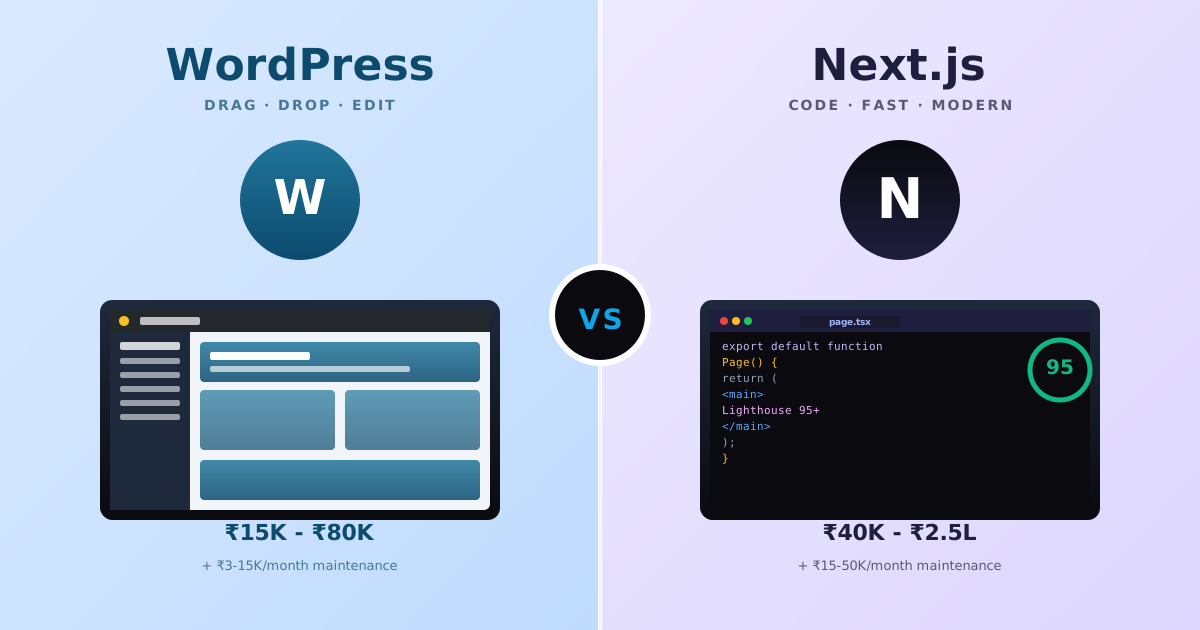
WordPress vs Next.js for Indian Small Businesses (2026): When Each Wins, Real INR Costs, and the 8 Hidden Trade-offs
Indian founders keep asking the wrong question, "WordPress or Next.js?", when the real question is what each stack actually solves for a ₹50K-2L budget, who edits content, and what breaks 18 months later. Real INR pricing, the 8 hidden trade-offs, and a decision matrix by business + team type.
 Guides
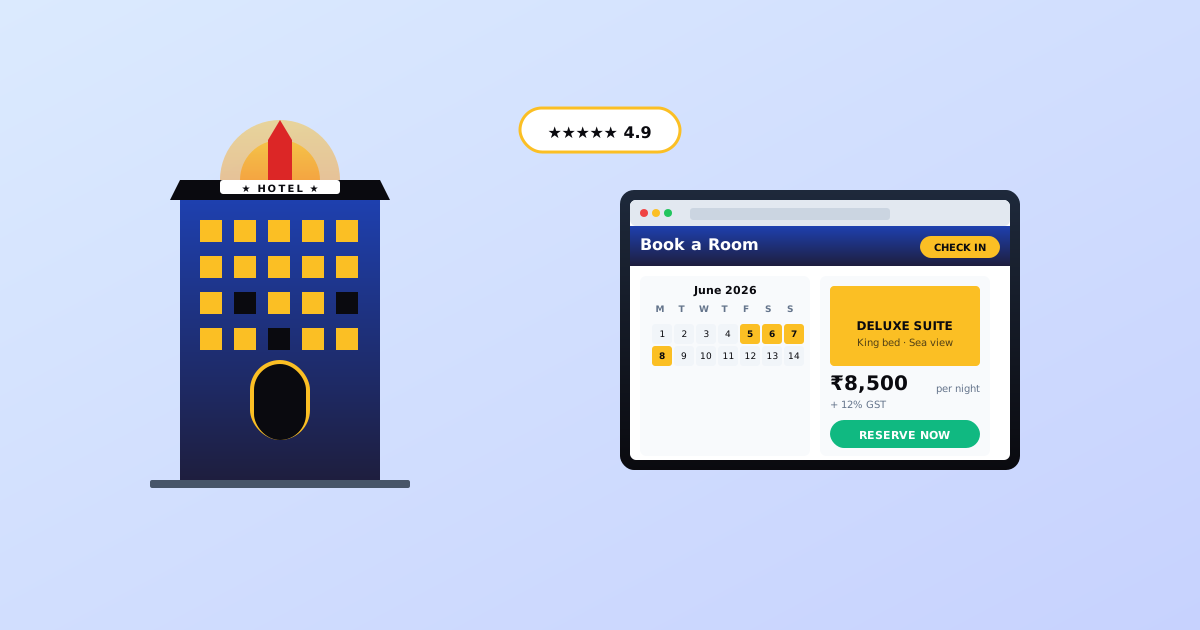
Hotel Website Development in India: What Booking Features, OTA Integrations, and 2026 Pricing Actually Look Like
Indian hotels leak 30-50% of direct bookings to OTAs because their websites can't handle real-time availability or channel sync. Real 2026 pricing (₹40K-8L).